
Type the number. Press Enter. Sing.
KaraMIDI is an offline karaoke player for your phone, tablet and Android TV. It plays your MIDI karaoke songs with lyrics that light up as you sing, just like the videoke at home.
- ₱15 one-time
- Works offline
- No account
- No ads
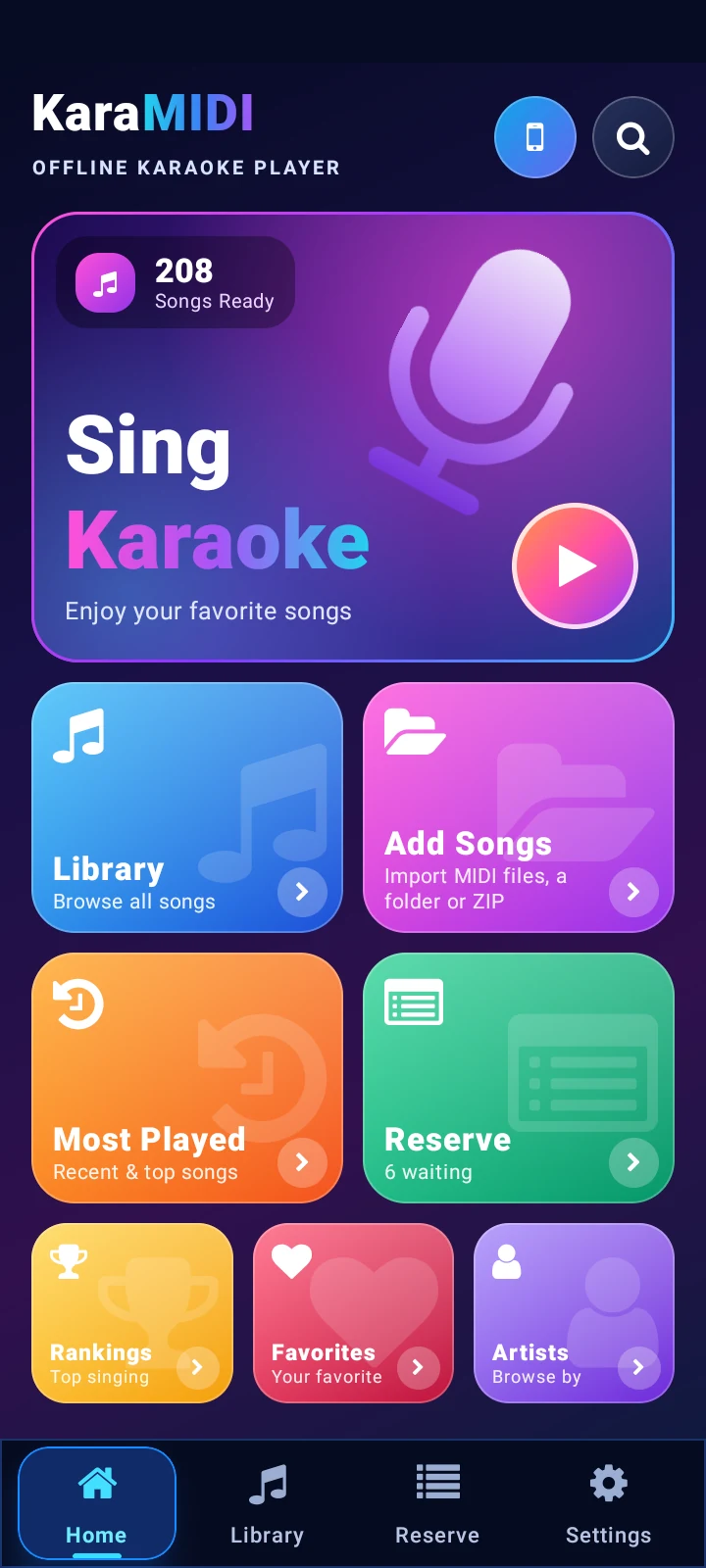
Your whole songbook in your pocket
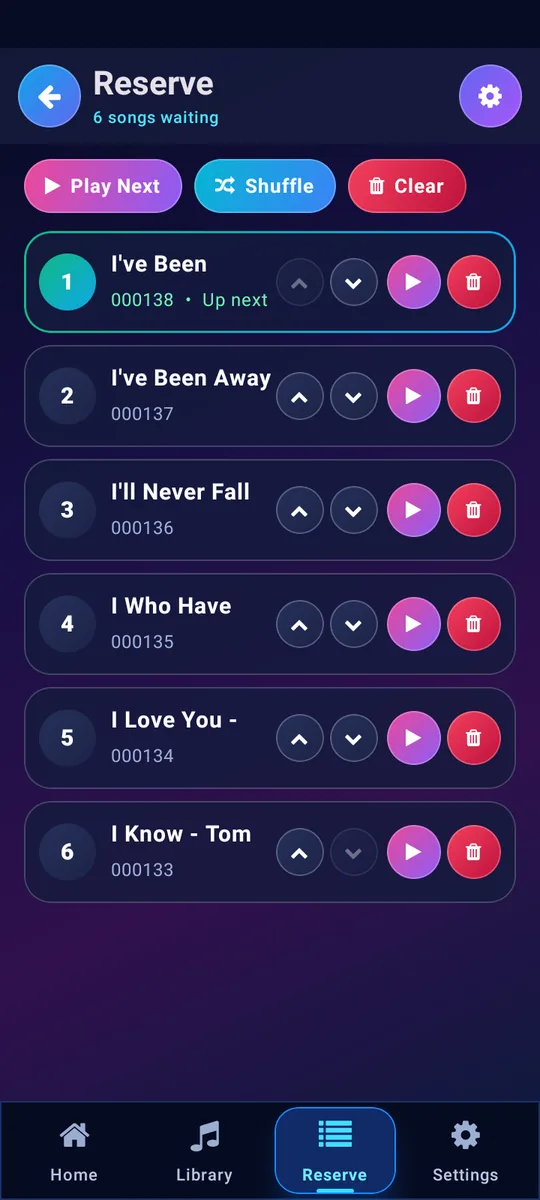
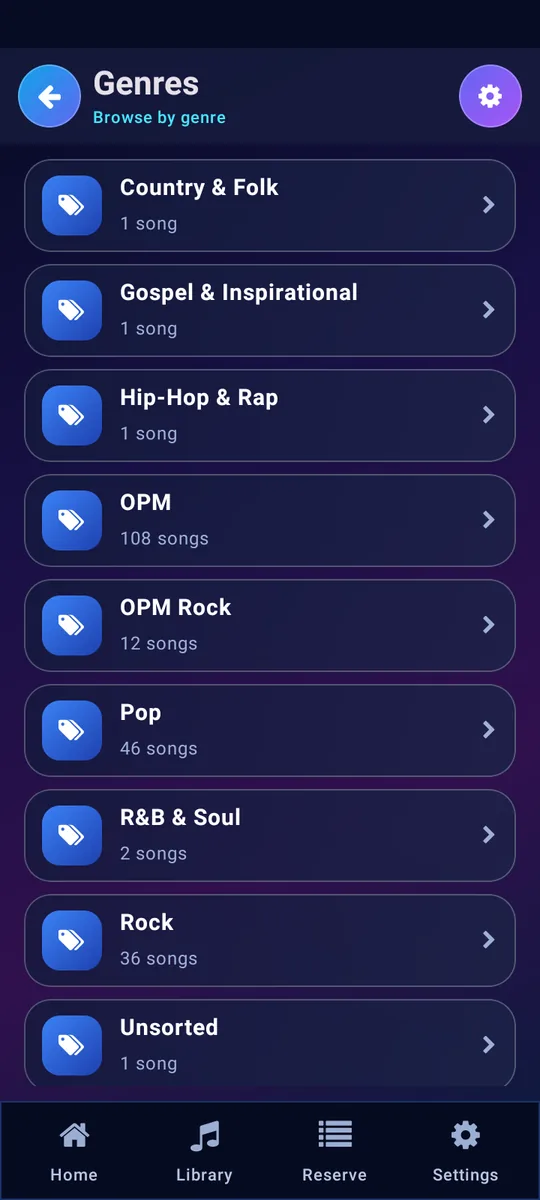
Every song gets a number. Search by title or artist, keep favorites, and line up the next singers in the reserve list.
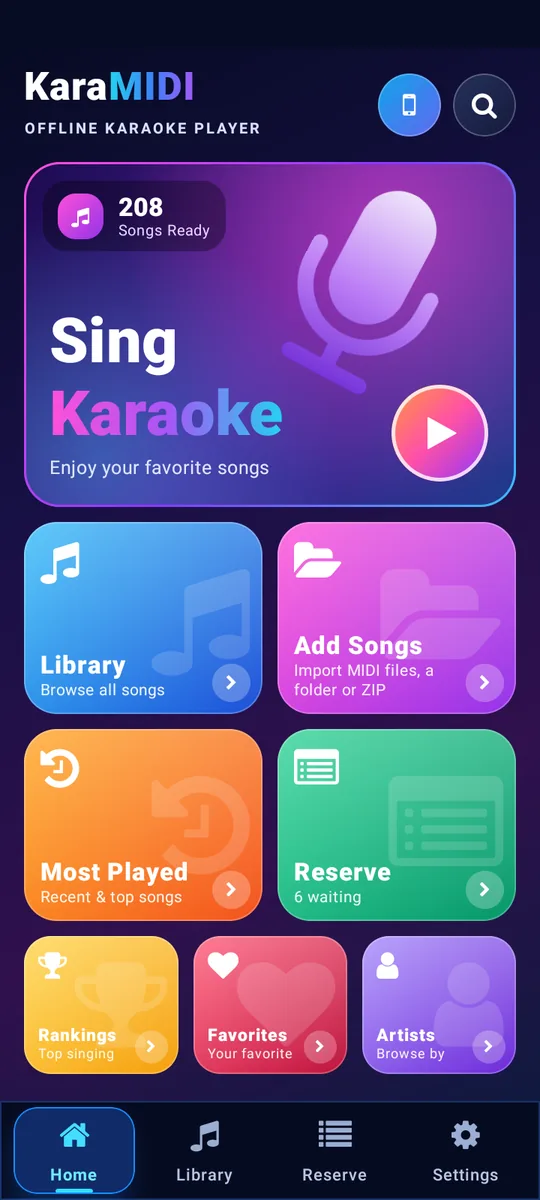
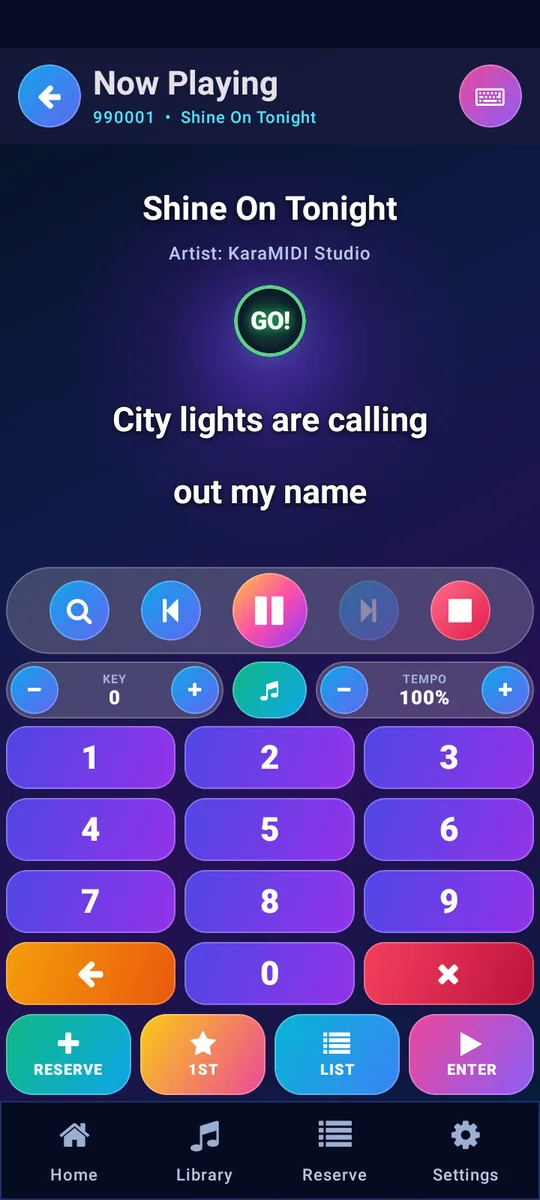
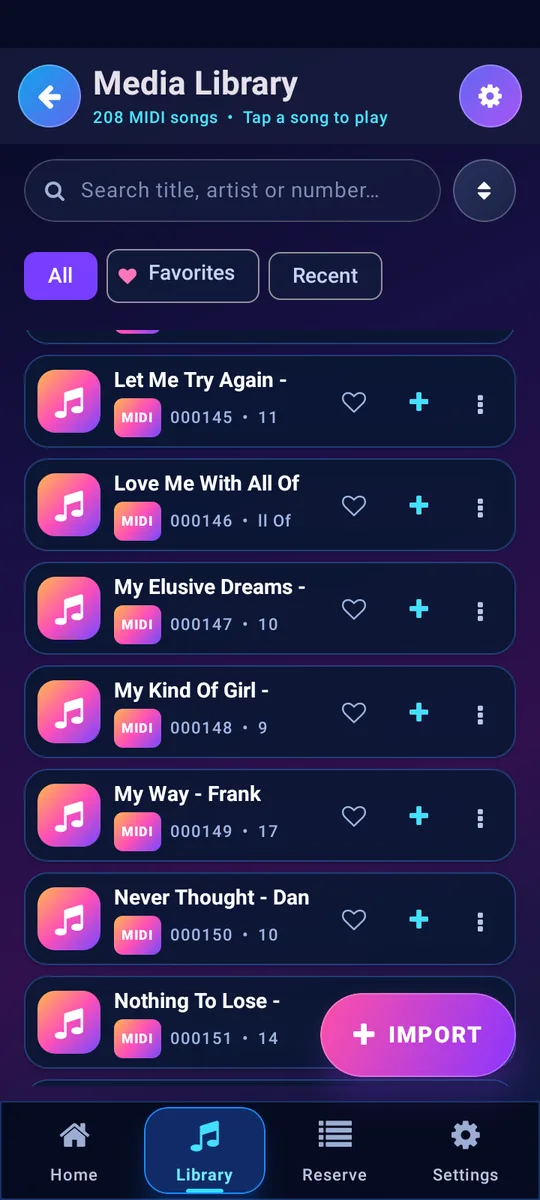
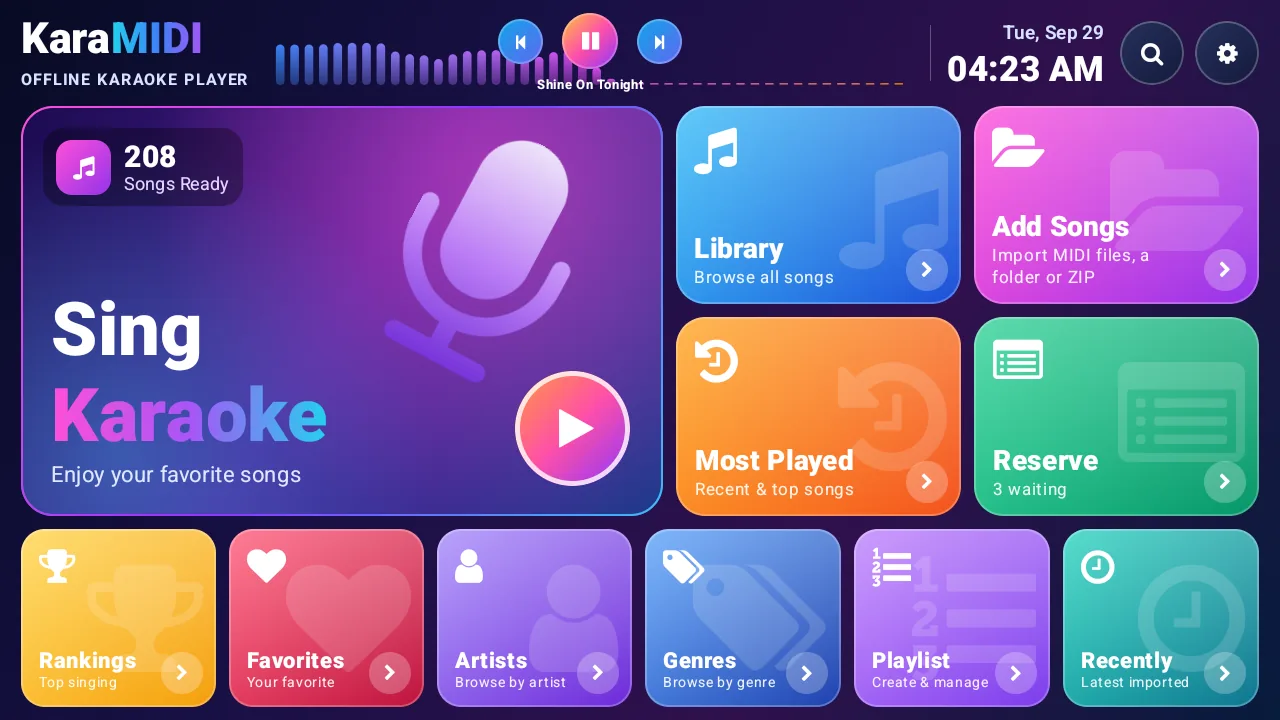
Made for the TV in the living room
- Use the TV remoteNumber keys pick a song, OK plays it, and the D-pad reaches every button.
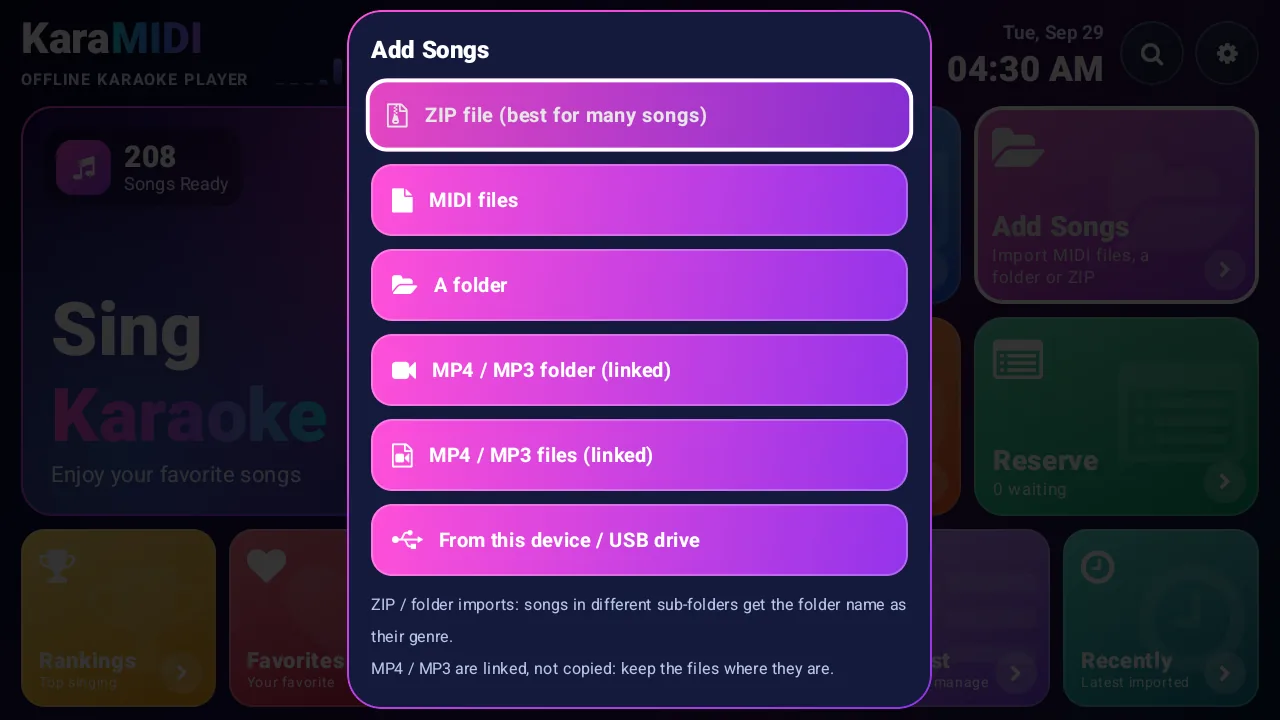
- Add songs from a USB drivePlug it into the TV box and choose Add Songs. Folders become genres.
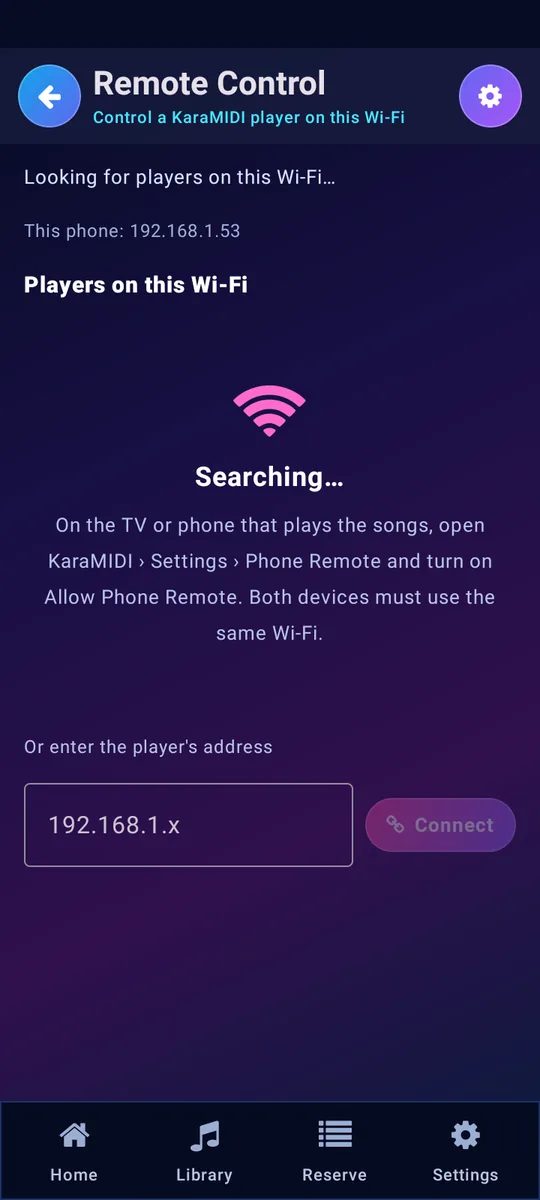
- Let guests use their phonesAny phone on the same Wi-Fi can search, reserve and play songs, protected by a PIN on the TV.
Everything a karaoke night needs
KaraMIDI works without internet. Your songs and settings stay on your device.
- Song numbers and a reserve list
- Type a 6-digit number and press Enter, or reserve songs so they play one after another.
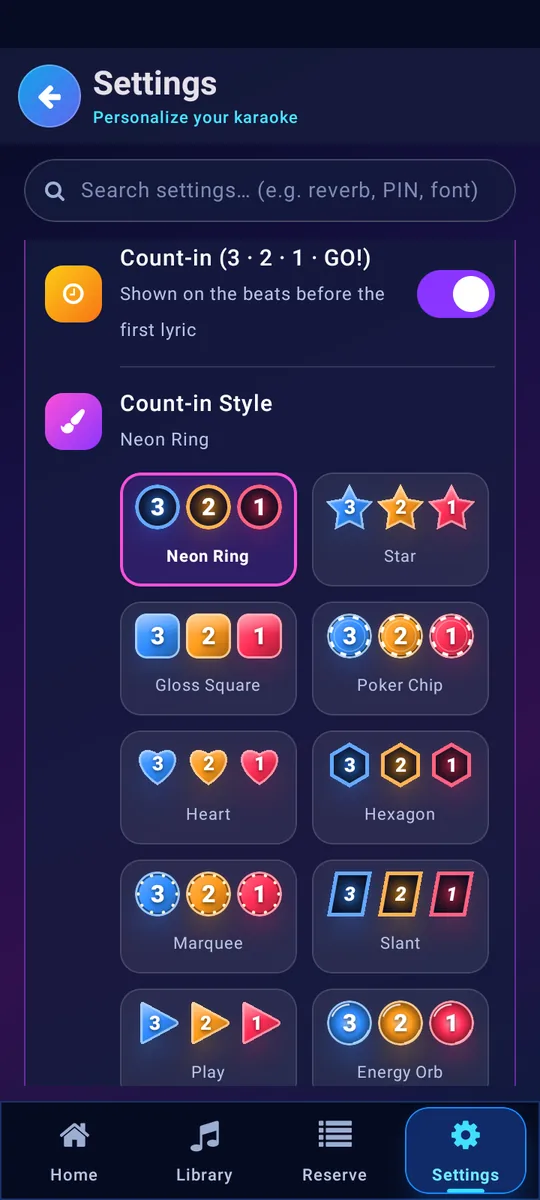
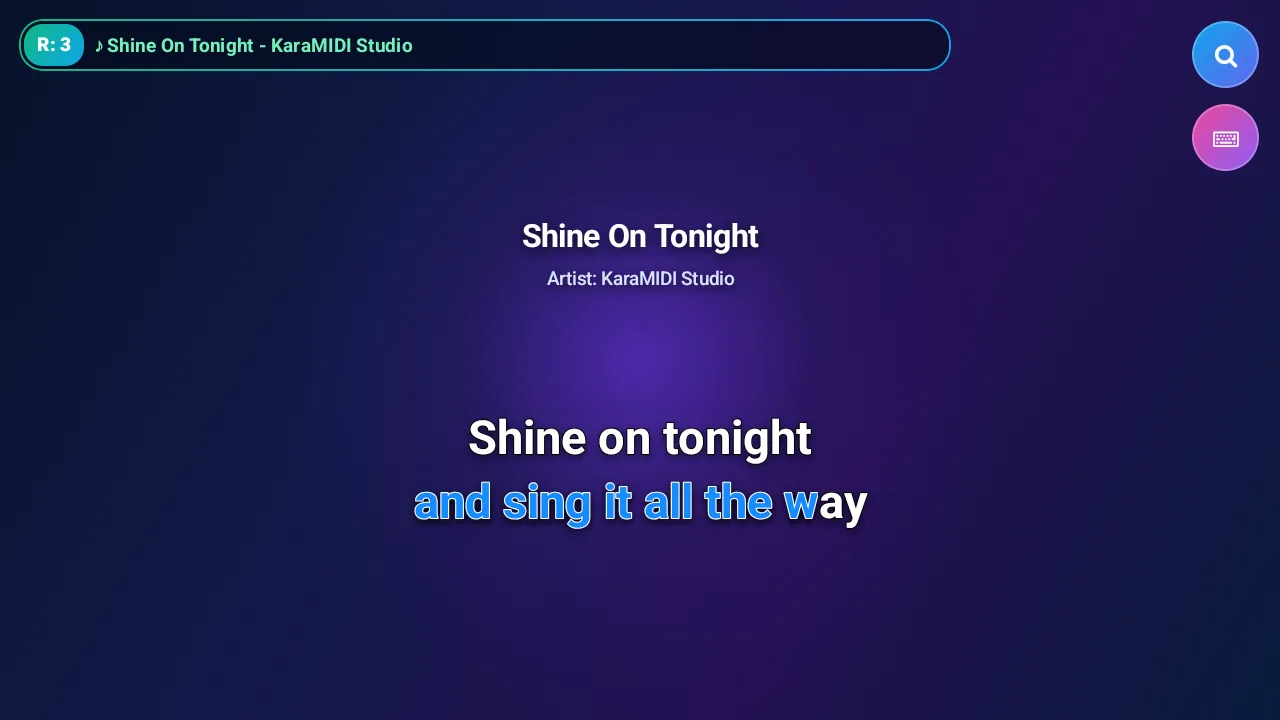
- Lyrics that light up
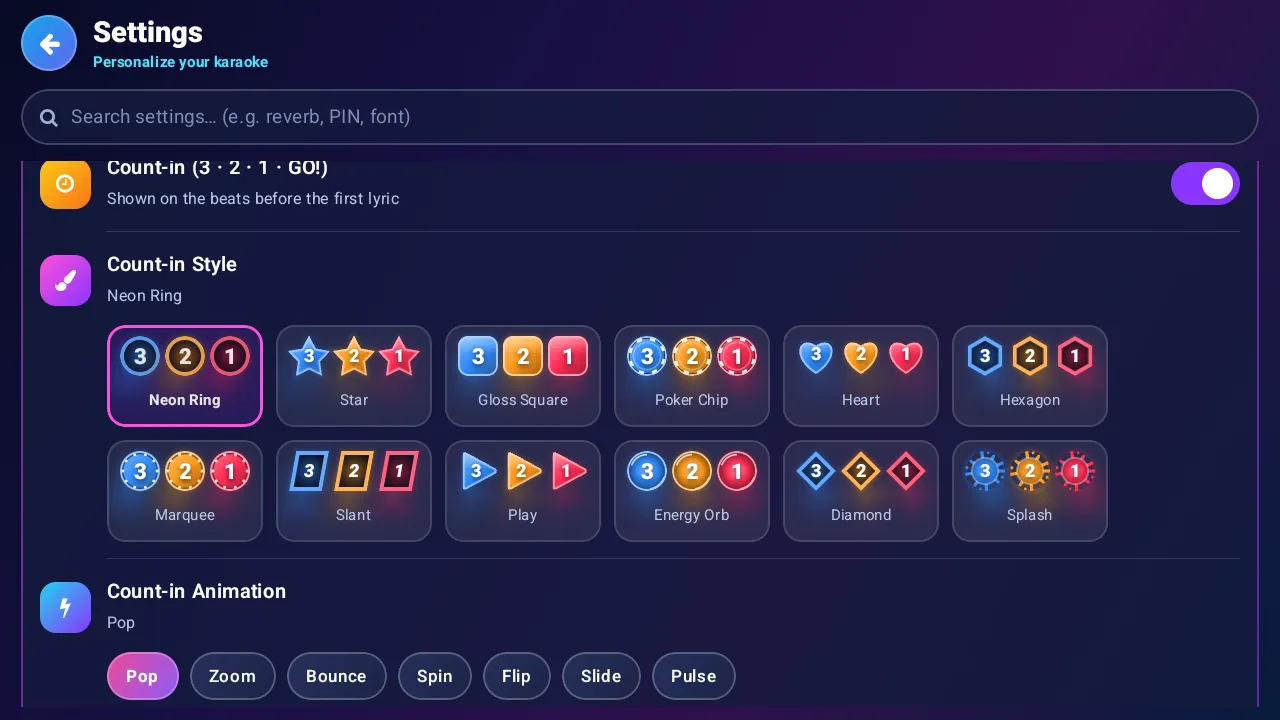
- Each syllable fills with color as it is sung. A 3, 2, 1 count-in comes before every verse, in 12 styles you can choose.
- Singing score and mic effects
- The microphone listens while you sing and scores your pitch and rhythm. Voice presets add clarity, echo and reverb.
- Your phone as a remote
- Search, reserve and control the TV from any phone on the same Wi-Fi.
- MIDI, MP3 and MP4
- Play MIDI karaoke with lyrics, karaoke videos, or an MP3 together with its MIDI for real instrument sound.
- Printable songbook
- Make a PDF of every song with its number, sorted by title or number, ready to print for your guests.
KaraMIDI does not come with songs. You add your own MIDI, KAR, MP3 or MP4 files.
Add your songs in three steps
Put songs in folders first: each folder name becomes a genre in the app.
Collect your files
Zip your MIDI folders, copy them to the phone, or put them on a USB drive for the TV.
Open Add Songs
Choose the ZIP file, a folder, or “From this device / USB drive”. Thousands of songs import in minutes.
Type a number
Open Sing Karaoke, enter the song number and press Enter.
Questions
How much does it cost?
₱15, paid once on Google Play. There are no ads, subscriptions or in-app purchases, and every feature is included. Updates are free.
Does KaraMIDI include songs?
No. KaraMIDI is a player. Add your own MIDI, KAR, MP3 or MP4 karaoke files.
Do I need internet?
No. Everything works offline. The phone remote only uses your home Wi-Fi to reach the TV; nothing goes to the internet.
Which devices are supported?
Android phones and tablets, Android TV and Google TV boxes.
Does it collect my data?
No. There is no account, no ads and no analytics. The microphone is only used live for scoring and voice effects, and nothing is recorded. Read the privacy policy.
How do I move my songs to a new phone?
Use Settings › Storage & Security › Backup with Password, then Restore on the new phone with the same password.
My TV has no file picker. How do I add songs?
Choose Add Songs › From this device / USB drive. KaraMIDI looks for songs on the TV storage and on plugged-in USB drives.